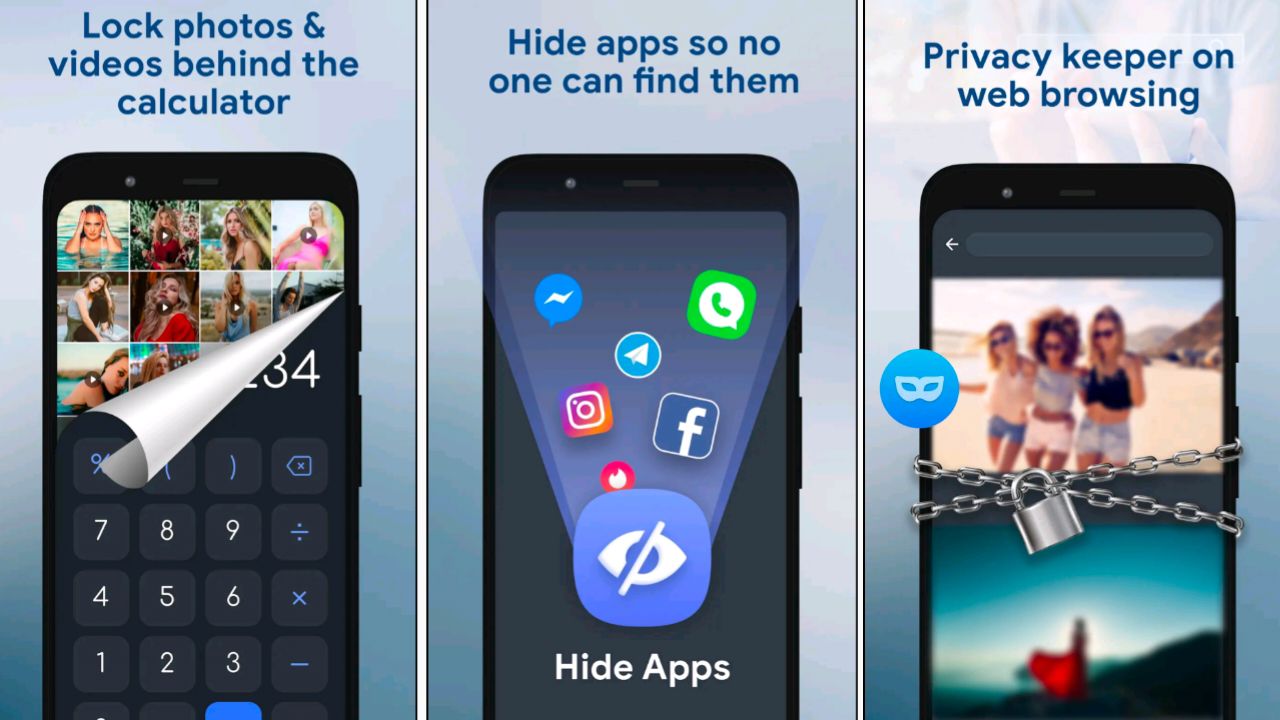

A calculator app is a mobile application designed to look and function exactly like a normal calculator. When someone opens it, they can perform basic arithmetic operations just like a regular calculator. However, if you enter a secret passcode or pattern, it unlocks a hidden vault where you can store private files or apps.
For example, a calculator app may let you:
Hide social media apps like WhatsApp, Instagram, or Snapchat.
Store private photos, videos, or documents.
Lock access to certain apps with an additional password.
This makes it very discreet, as no one would suspect that a simple calculator is hiding sensitive information.
Why Do People Use Them?
1. Privacy Protection – People use them to keep personal files away from prying eyes.
2. Parental Monitoring – Teens often use them to hide apps or media from parents.
3. Security Against Snooping – Useful if someone shares their phone with friends or family.
4. Professional Use – Employees may store work-related files securely.
Popular Features of Calculator App Lockers
Disguised Icon: Looks like a calculator to avoid suspicion.
PIN/Pattern Unlock: Access to hidden vault with a secret code.
Stealth Mode: Some apps can even hide themselves from the app drawer.
Cloud Backup: Premium versions may allow cloud syncing for hidden files.
Risks and Concerns
While these apps provide privacy, they also come with risks:
Hidden Content: Parents may be unaware of what their children are storing.
Data Loss: If the app crashes or is uninstalled, hidden data may be lost.
Security Threats: Some fake calculator vaults may contain malware or spyware.
Should You Use One?
If you’re someone who values privacy, a calculator vault app can be useful. However, it’s important to download from trusted sources only (Google Play Store or Apple App Store) to avoid malicious software. Also, balance privacy with transparency—especially for younger users where safety is a concern.
Final Thoughts
Calculator apps that hide apps are clever tools for protecting privacy. They act as a digital safe disguised in plain sight, providing security and secrecy. However, like all technology, they should be used responsibly. Whether you’re protecting personal files or simply keeping your apps organized, remember that digital safety depends not just on apps, but on how you use them.